CBA_
Chromatic aberration that behaves like a real lens.
10 lens and creative profiles. Lateral optical aberration modelled against real glass. Oklab colour space. Metal GPU.
One-time purchase. No subscription. No account.
The qualm
Fake chromatic aberration applies an RGB offset. Real lenses do not.
Real lenses produce lateral aberration at the frame edges. The distribution changes with focal length, aperture, and glass type. A flat RGB channel split does none of this. It looks synthetic because it is.
CBA_ was modelled against optical data. Profiles behave the way actual glass behaves: edge falloff, axis-aware colour fringing, and aberration geometry that reads as photographic rather than processed.
Before / After
Photographic. Not processed.
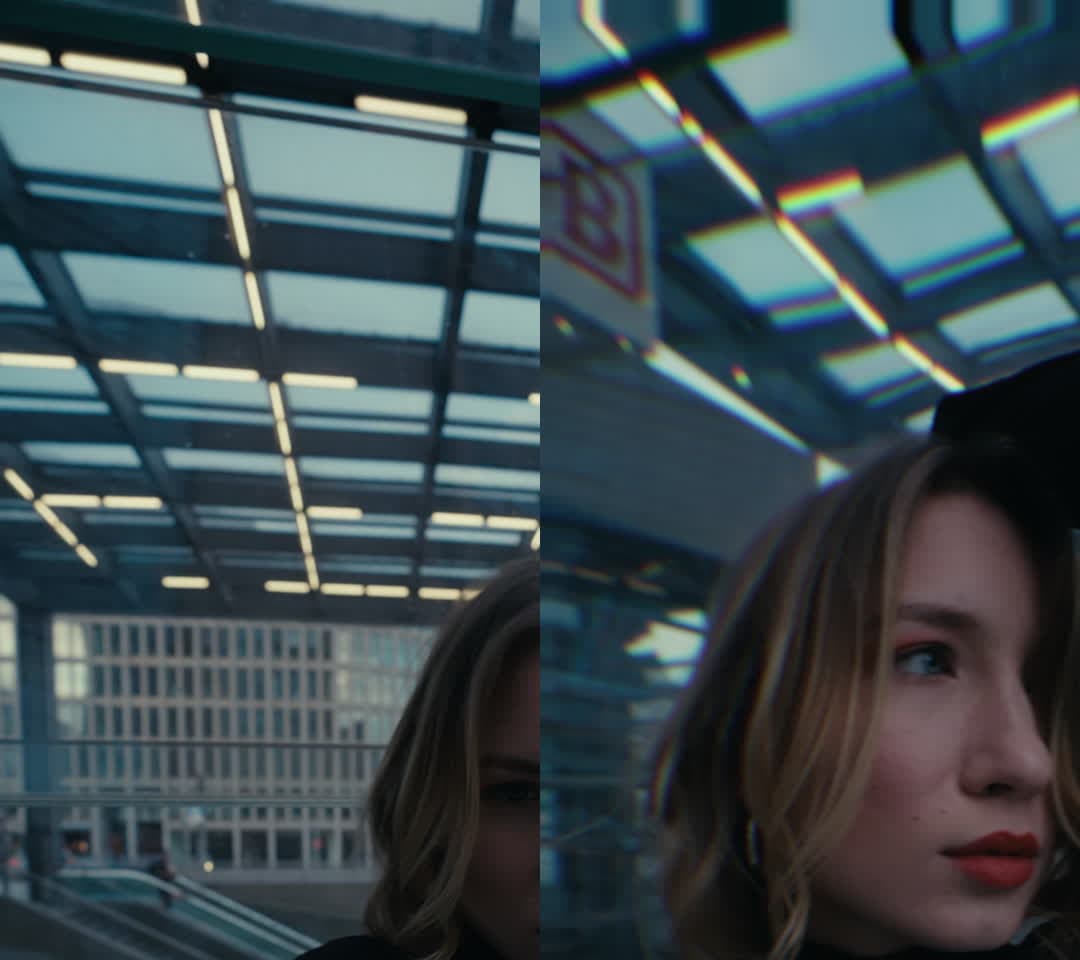
10 Profiles
Named lenses. Real aberration character.
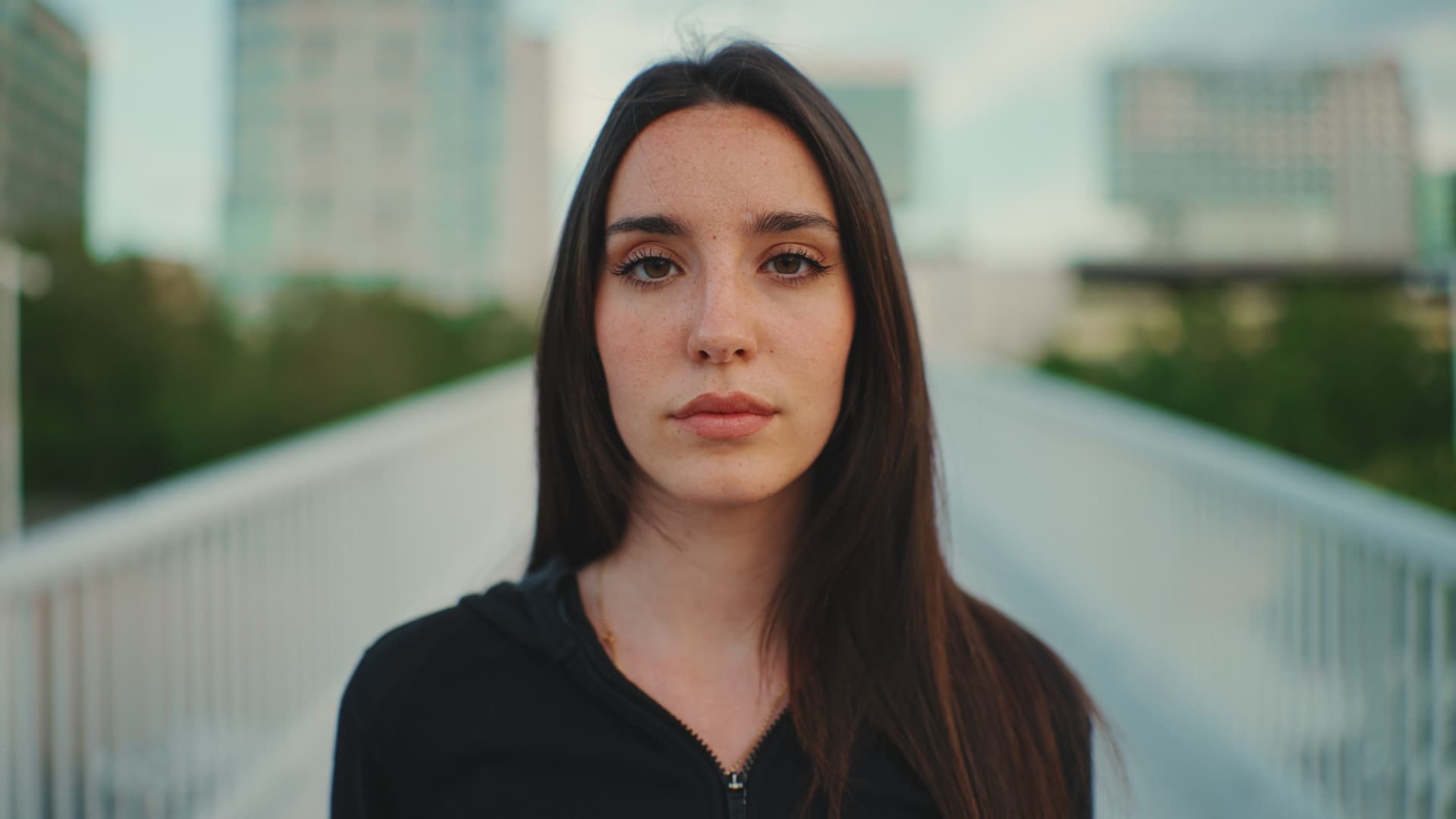
Panavision C-Series
Warm, asymmetric edge fringing. Panavision anamorphic character.
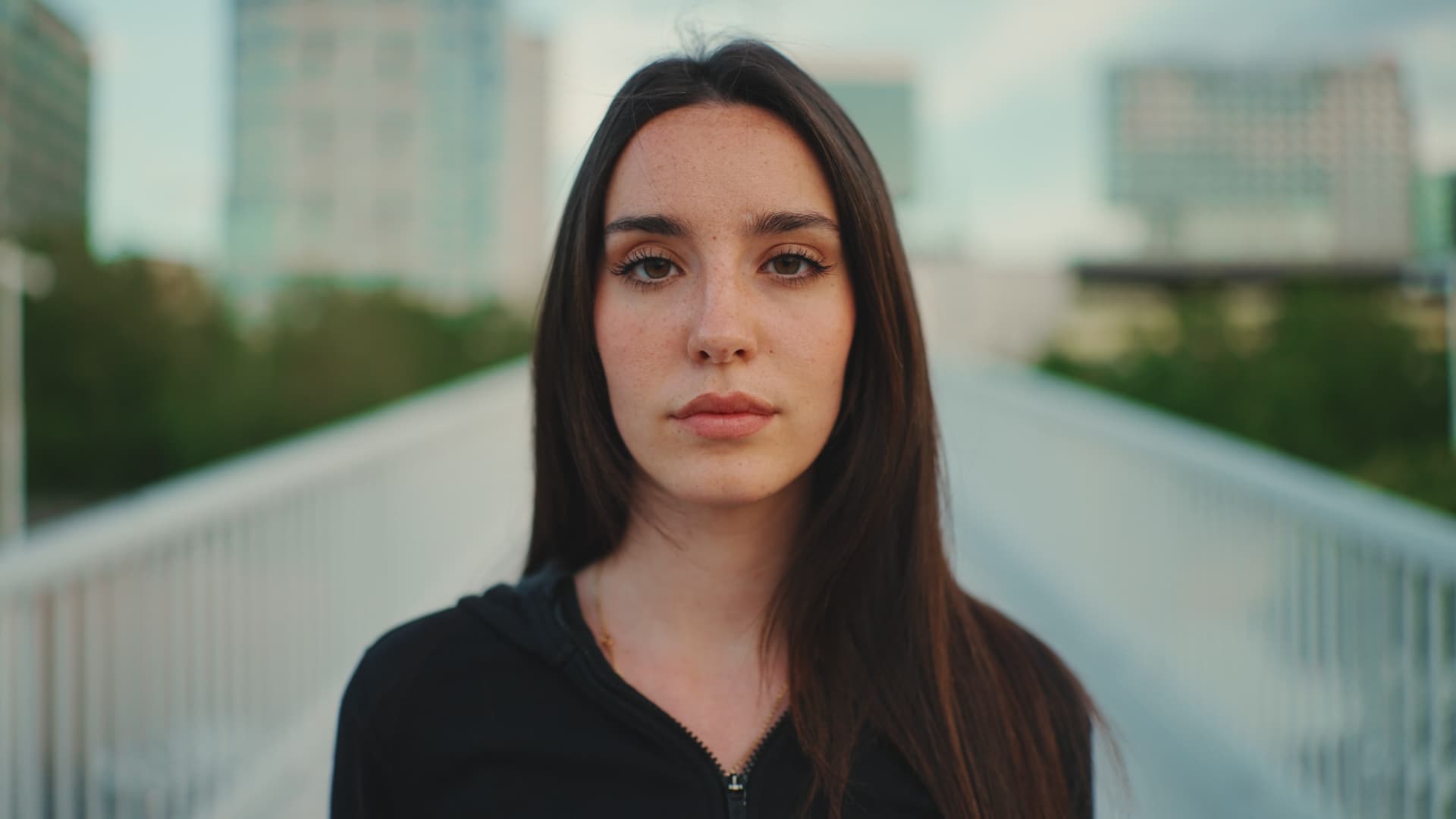
Zeiss Super Speeds
Clean, controlled fringing with slight blue/cyan corner bias.
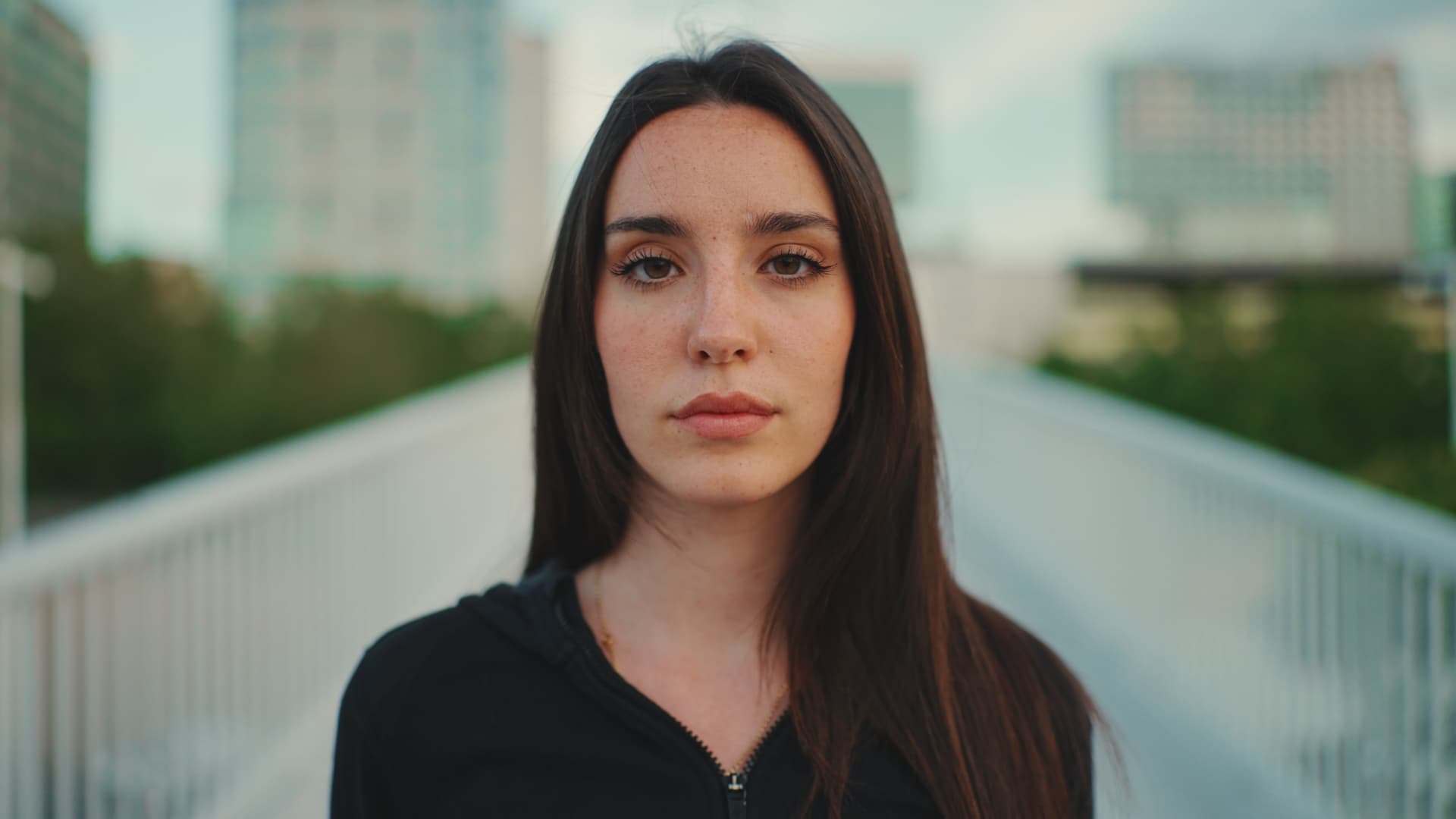
Cooke Speed Panchro
Soft-edged warm rolloff. Cooke glass at wide aperture.
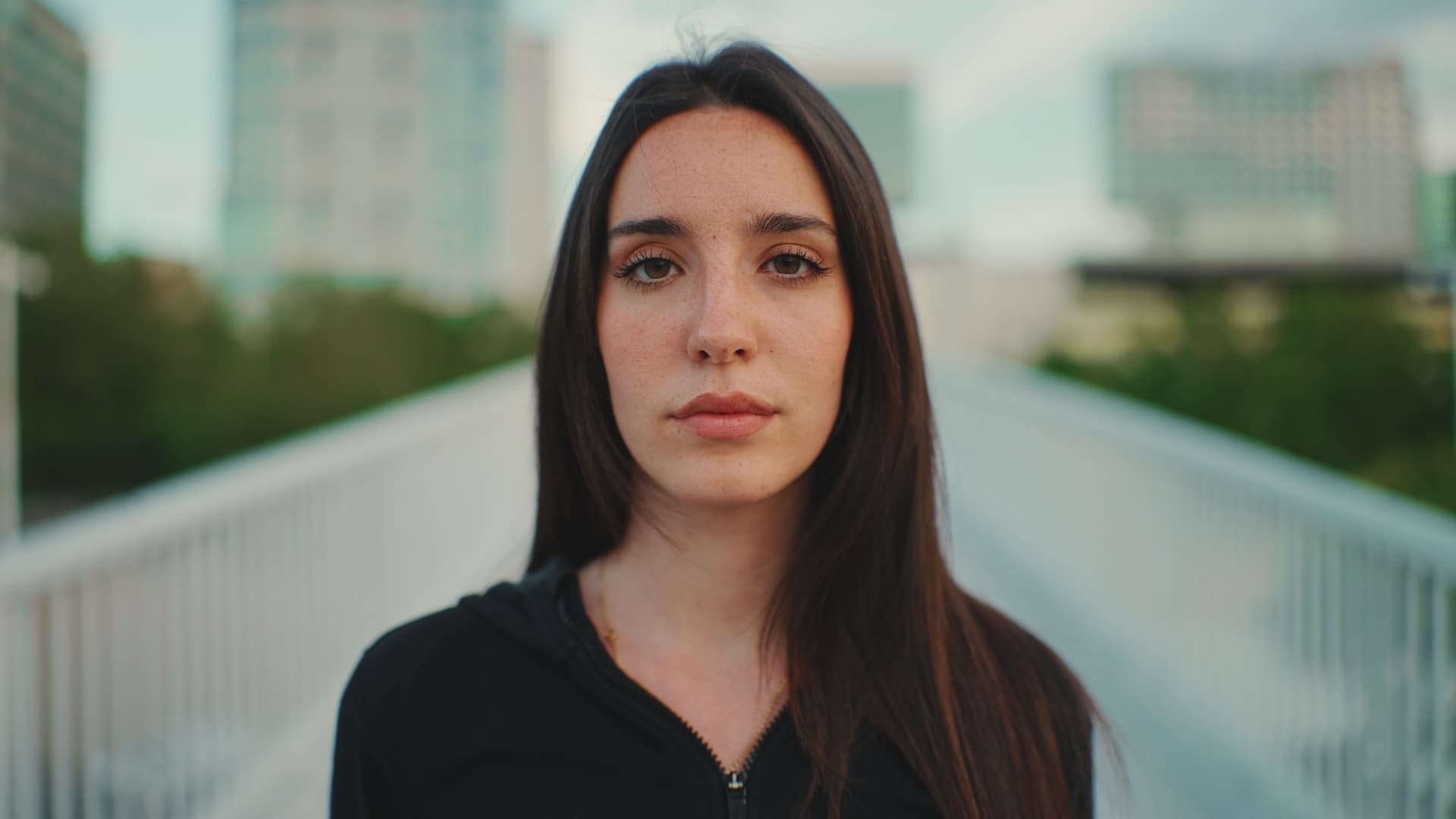
Kowa Prominar
Heavy edge fringing. Single-coated vintage glass, pushed.
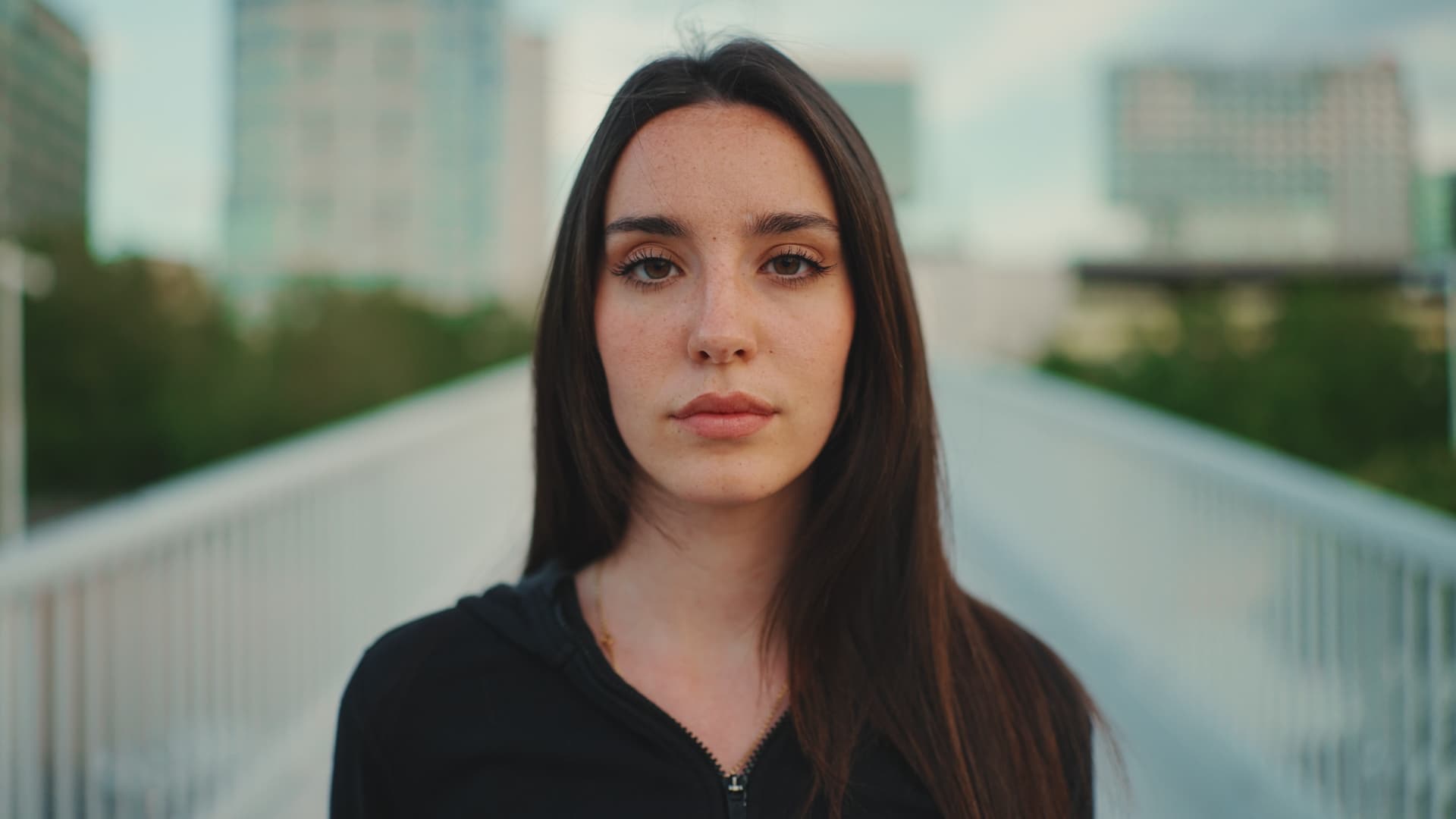
Angenieux Optimo
Subtle cinema-grade fringing at the zoom extremes.
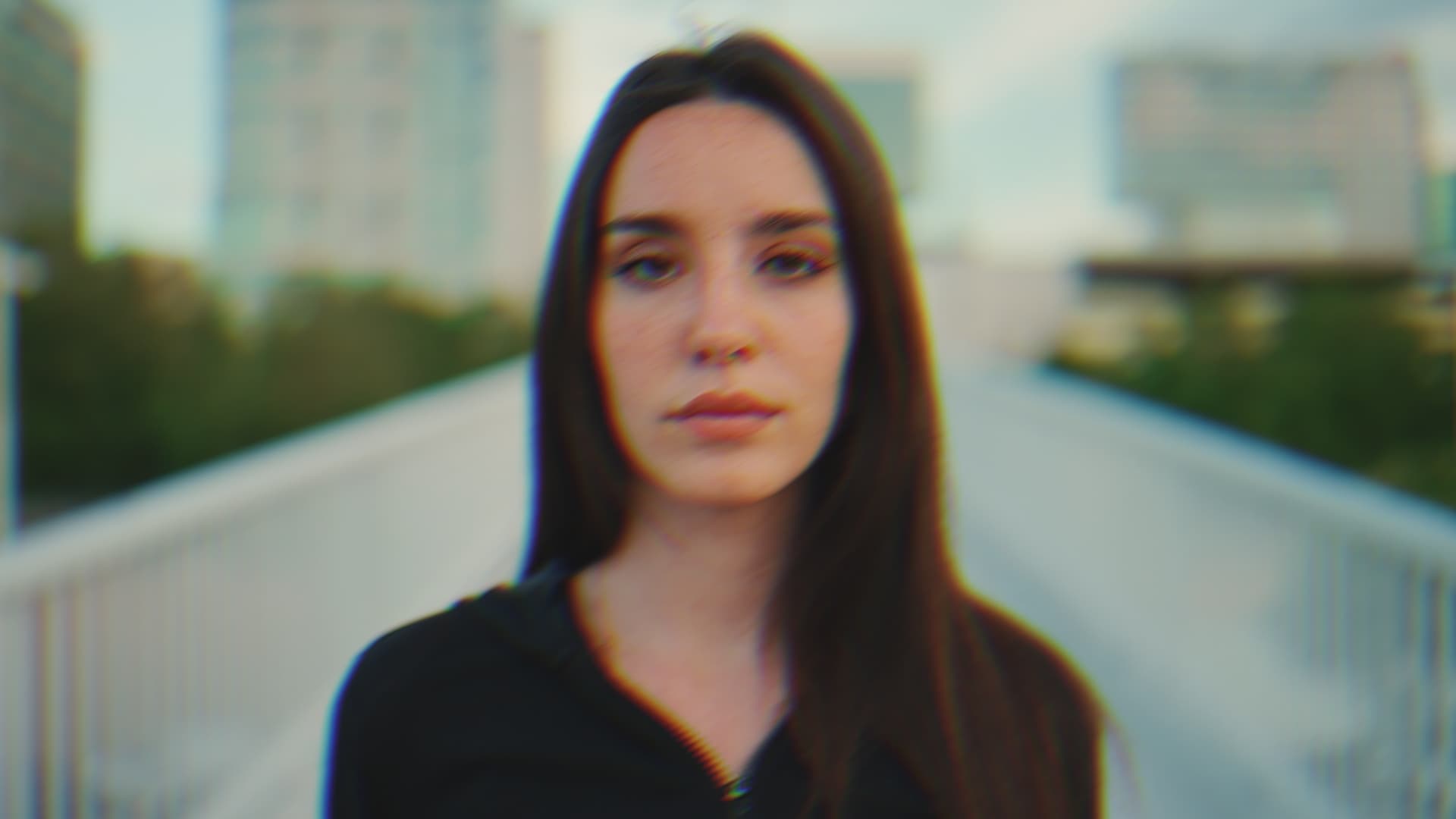
Vector Prism
Full-spectrum directional separation. Creative CA with structure.
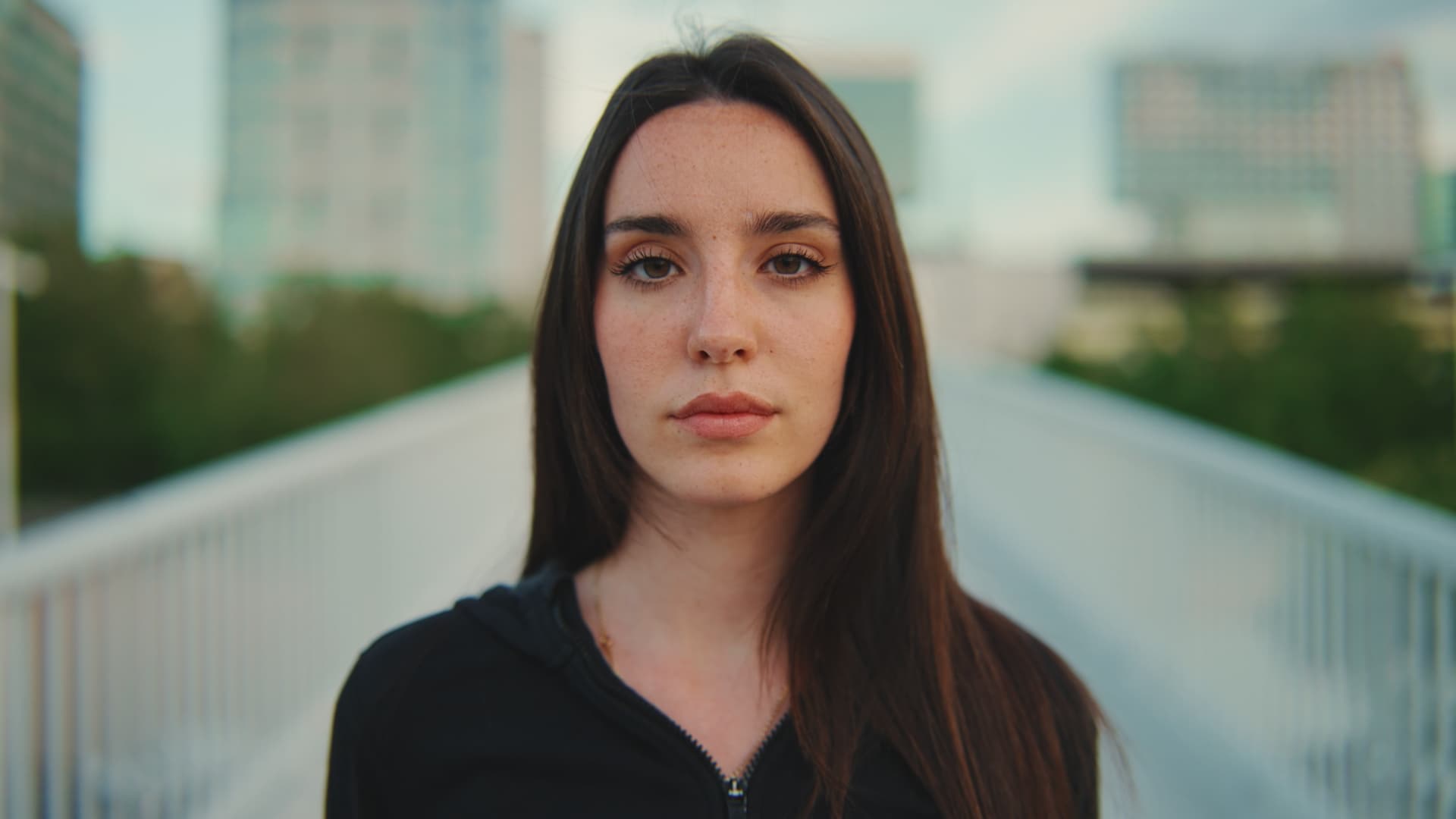
Glass Block
Geometric refraction with hard edges. Thick-glass look.
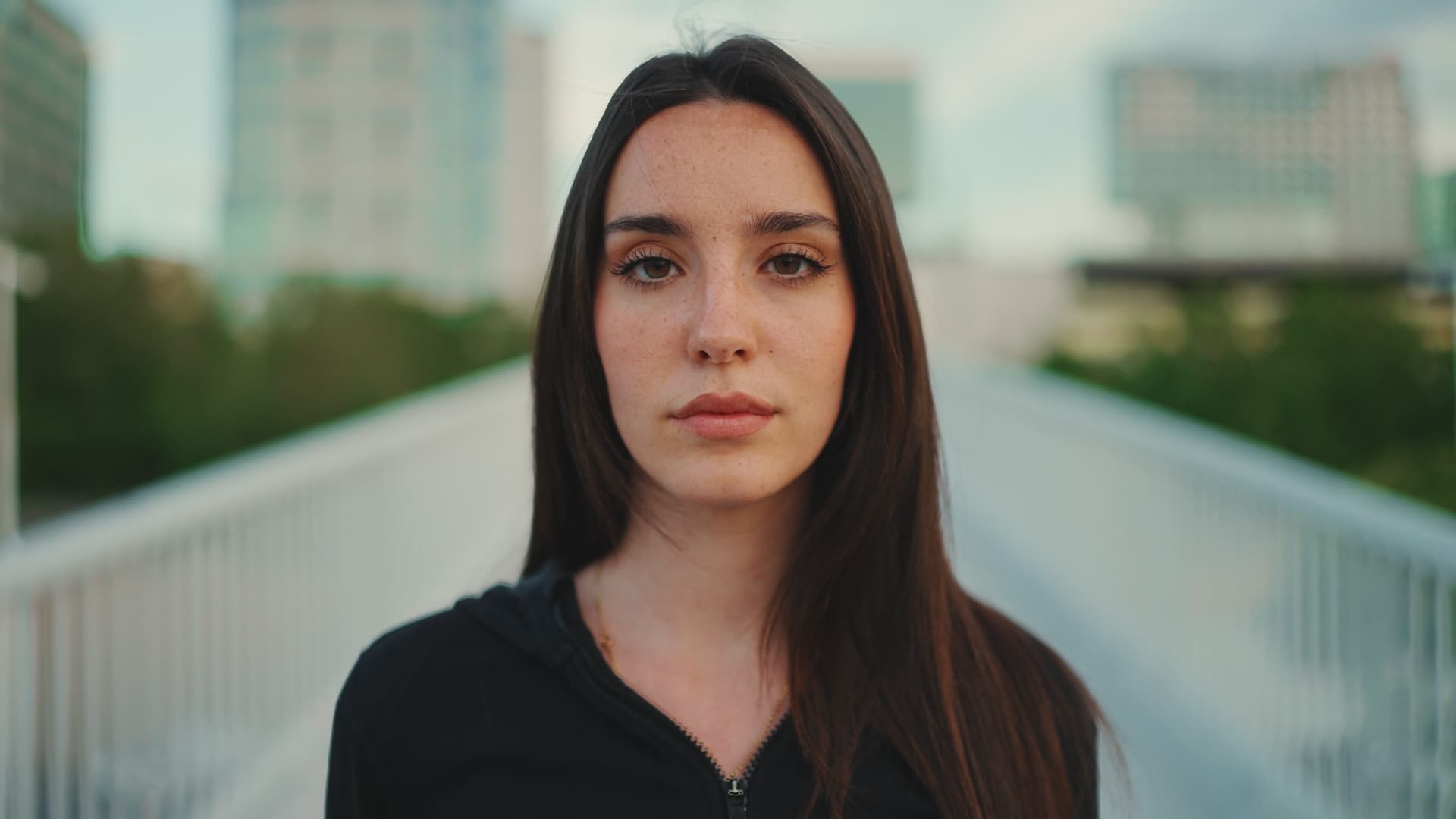
Luma-Mapped
Aberration driven by image luminance. Image-responsive.
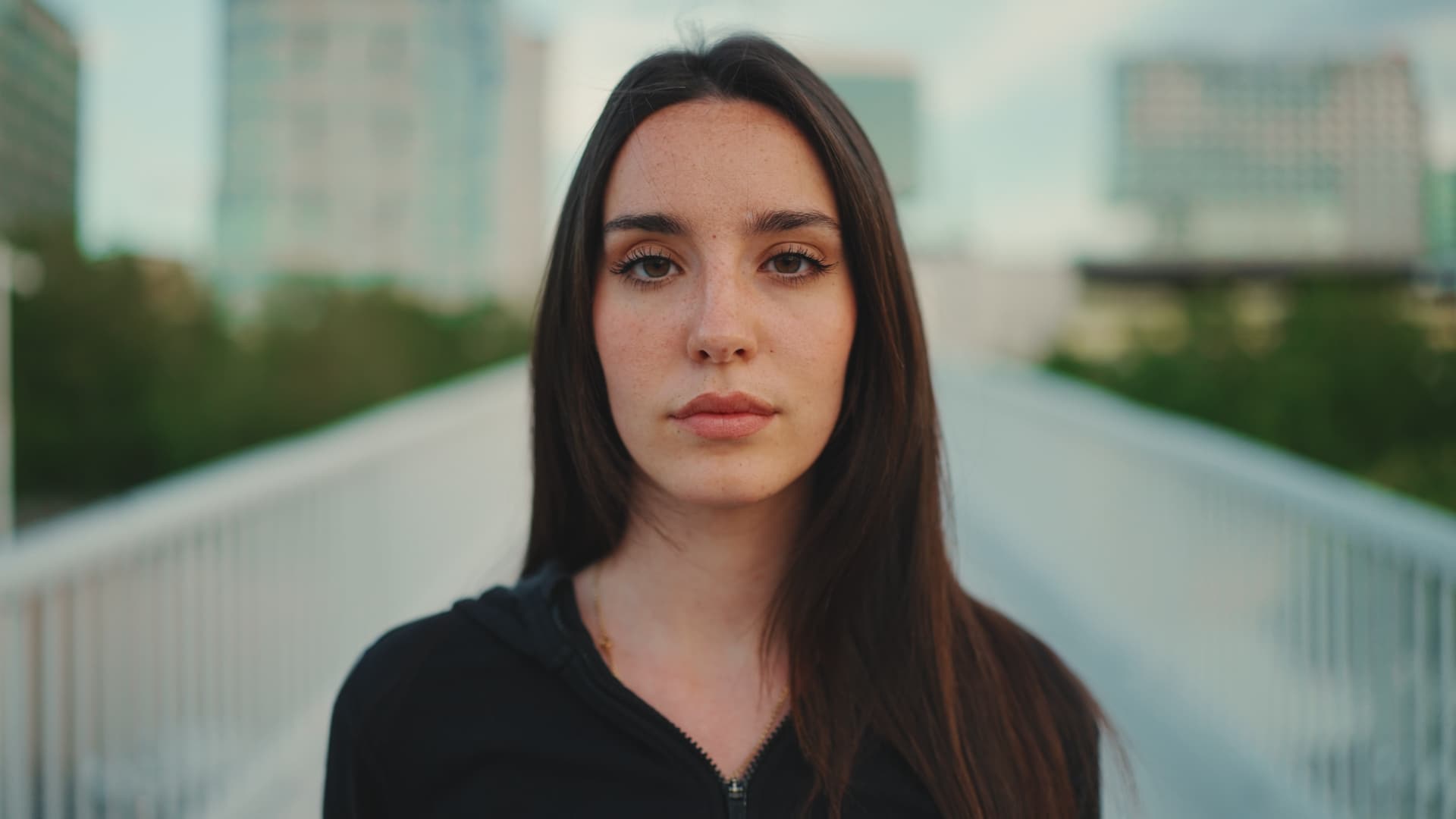
Shockwave
Radial separation from a defined centre. Cinematically intentional.
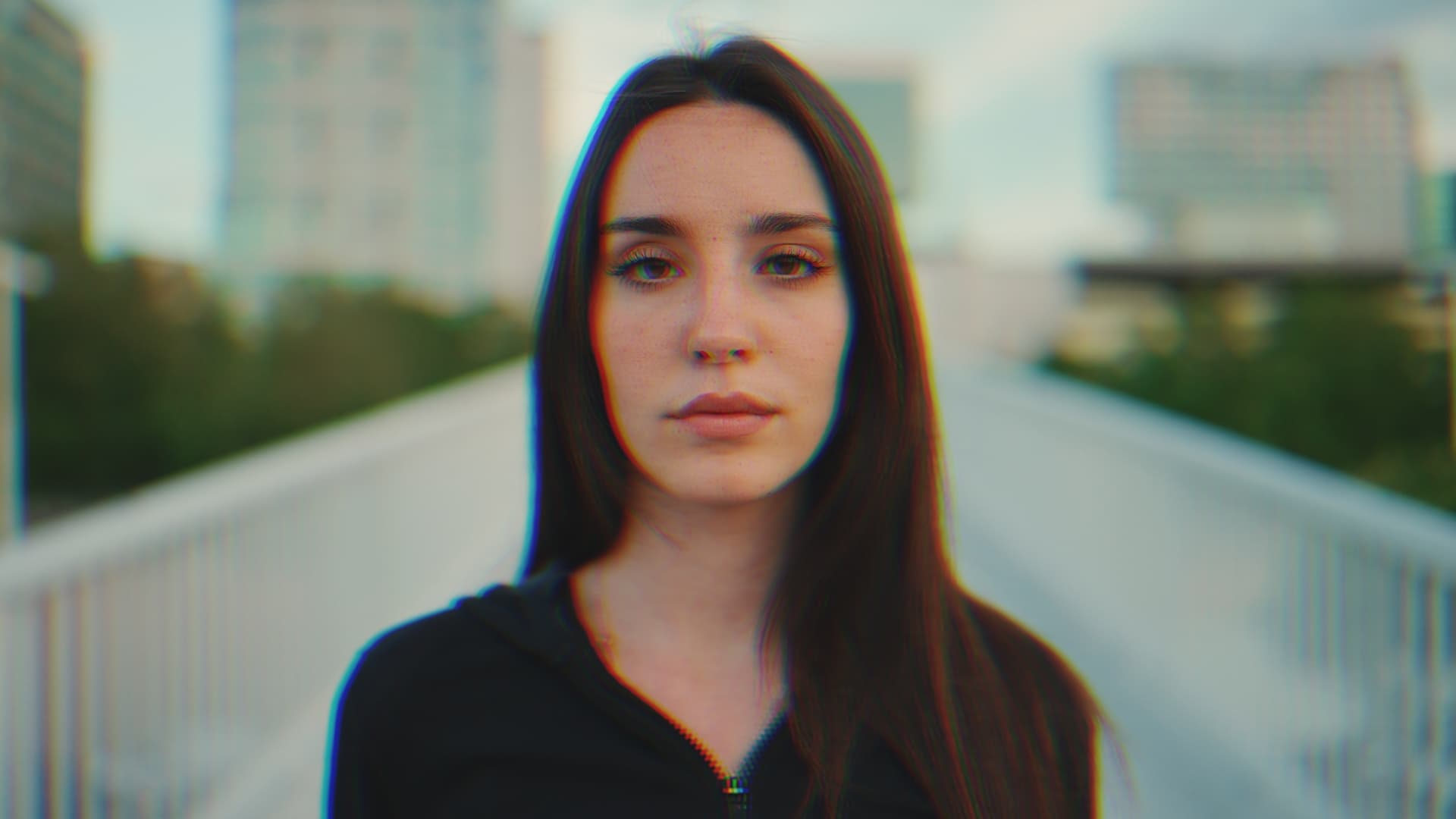
Digital Chroma-Offset
Clinical blue/cyan displacement. Digital-feeling edge.
Colour science
Oklab. Perceptually uniform. No hue rotation artefacts.
RGB channel separation shifts colour in a way that does not match perception. Channel gaps look synthetic at the edges. CBA_ separates in Oklab, where equal numerical shifts produce equal perceived colour distances.
The aberration blends back into the image. It reads as photographic.
Under the hood
Metal GPU. Real-time. Full colour depth.
Apple Metal
Native GPU compute. Zero-copy buffer pipeline. Real-time preview on Apple Silicon with no render overhead.
Oklab colour space
Perceptually uniform separation. No hue rotation at the channel boundaries. Aberration that sits in the image, not on top of it.
Full bit depth
32-bit float throughout. No clamping, no banding, no precision loss in the channel separation pass.
Edge-aware geometry
Aberration intensity follows the optical geometry of each profile. Not uniform across the frame. Not a slider.
Privacy
Offline. Always.
CBA_ runs entirely on your GPU. No internet connection. No telemetry. No accounts. No cloud rendering. Your footage stays on your machine.
Safe for NDA work. Nothing leaves your system.
Requirements
What you need.
OS
macOS 13 Ventura
Or later. Apple Silicon and Intel.
Host
DaVinci Resolve 18+
Free or Studio. OpenFX host.
GPU
Metal support
All Macs from 2012 onward.
$30. Once. Done_
10 profiles. Oklab colour space. Optical geometry. One-time purchase. No subscription. No account required.
Requires macOS 13 Ventura or later. DaVinci Resolve 18+ (Free or Studio).